Cadense is an AI-powered accounts payable automation platform built on the Cadense workflow engine. Capture invoices from email, OCR-extract line items, route them through configurable approval workflows, execute payments via Stripe, reconcile against bank feeds with Plaid, and sync everything to your general ledger — all from a single visual workspace.
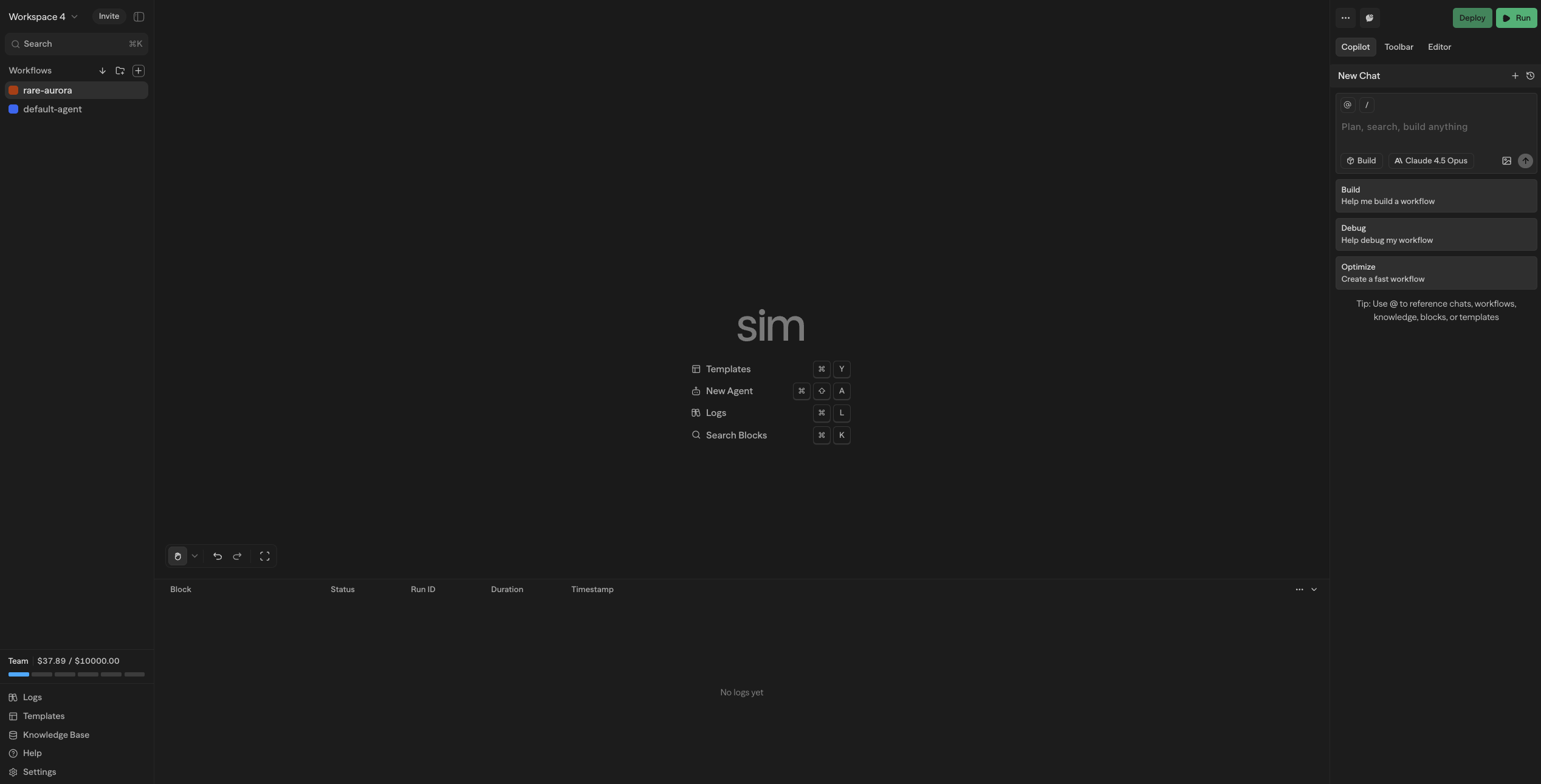
What You Can Build
Invoice Capture & Extraction Automatically ingest invoices from email inboxes, file uploads, and API submissions. AI-powered OCR extracts vendor details, line items, amounts, due dates, and payment terms with high accuracy.
Smart Categorization Leverage machine learning to auto-classify expenses by GL code, cost center, and department. Learn from your historical coding patterns to improve accuracy over time.
Approval Workflows Design multi-step approval chains with conditional routing based on amount thresholds, vendor tier, expense category, or custom business rules. Escalate automatically when approvers are unavailable.
Payment Processing (Stripe) Execute approved payments through Stripe — ACH transfers, wire payments, and card payments. Track payment status in real time and handle failures with automatic retry logic.
Bank Reconciliation (Plaid) Connect bank accounts via Plaid to pull transaction feeds automatically. Match settled payments against outstanding invoices with AI-assisted fuzzy matching and exception handling.
Analytics & Reporting Monitor AP aging, spend by vendor and category, approval cycle times, and cash flow forecasts. Export reports to CSV or sync dashboards with your BI tools.
How It Works
Plaid — Eyes for Bank Data Plaid connects to your bank accounts and provides real-time transaction feeds. Cadense uses this data to reconcile payments, detect duplicate charges, and maintain an accurate picture of your cash position.
Stripe — Hands for Payments Stripe handles payment execution. Once an invoice clears approval, Cadense initiates payment through Stripe, tracks settlement, and records the transaction against the original invoice.
Cadense Engine — Brain for Workflow Orchestration The Cadense visual workflow engine powers all automation logic. Design invoice processing pipelines, approval routing, exception handling, and notification flows using a drag-and-drop canvas with specialized AP blocks.
Visual Workflow Editor Design AP workflows using an intuitive drag-and-drop canvas. Connect invoice capture, validation, approval, and payment blocks through a visual interface that makes complex automation logic easy to understand and maintain.
Modular Block System Build with specialized AP components: processing blocks (OCR extraction, AI categorization, validation rules), logic blocks (approval routing, amount thresholds, conditional branching), and output blocks (payment execution, ledger sync, notifications). Each block handles a specific task in your AP pipeline.
Integrations
Cadense provides native integrations with key financial services and inherits 130+ tools from the Cadense ecosystem:
- Payments: Stripe (ACH, wire, card payments)
- Banking: Plaid (bank feeds, account verification, balance checks)
- Accounting: QuickBooks, Xero, NetSuite, Sage
- Communication: Slack, Gmail, Microsoft Teams, Telegram
- AI Models: OpenAI, Anthropic, Google Gemini, Groq, Cerebras, local models via Ollama
- Productivity: Notion, Google Workspace, Airtable, Monday.com
- Development: GitHub, Jira, Linear
- Databases: PostgreSQL, MySQL, Supabase, Pinecone, Qdrant
For custom integrations, leverage our MCP (Model Context Protocol) support to connect any external service or tool.
Copilot
Ask Questions & Get Guidance
Copilot answers questions about Cadense, explains your AP workflows, and provides suggestions for improvements. Use the @ symbol to reference workflows, blocks, documentation, knowledge, and logs for contextual assistance.
Build & Edit Workflows Switch to Agent mode to let Copilot propose and apply changes directly to your canvas. Add blocks, configure approval rules, wire variables, and restructure workflows with natural language commands.
Adaptive Reasoning Levels Choose from Fast, Auto, Advanced, or Behemoth modes depending on task complexity. Start with Fast for simple questions, scale up to Behemoth for complex architectural changes and deep debugging.
Learn more about Copilot capabilities and how to maximize productivity with AI assistance.
Deployment Options
Cloud-Hosted Launch immediately at cadense.io with fully managed infrastructure, automatic scaling, and built-in observability. Focus on building AP workflows while we handle the operations.
Self-Hosted Deploy on your own infrastructure using Docker Compose or Kubernetes. Maintain complete control over your financial data with support for local AI models through Ollama integration.
Next Steps
Ready to automate your accounts payable?